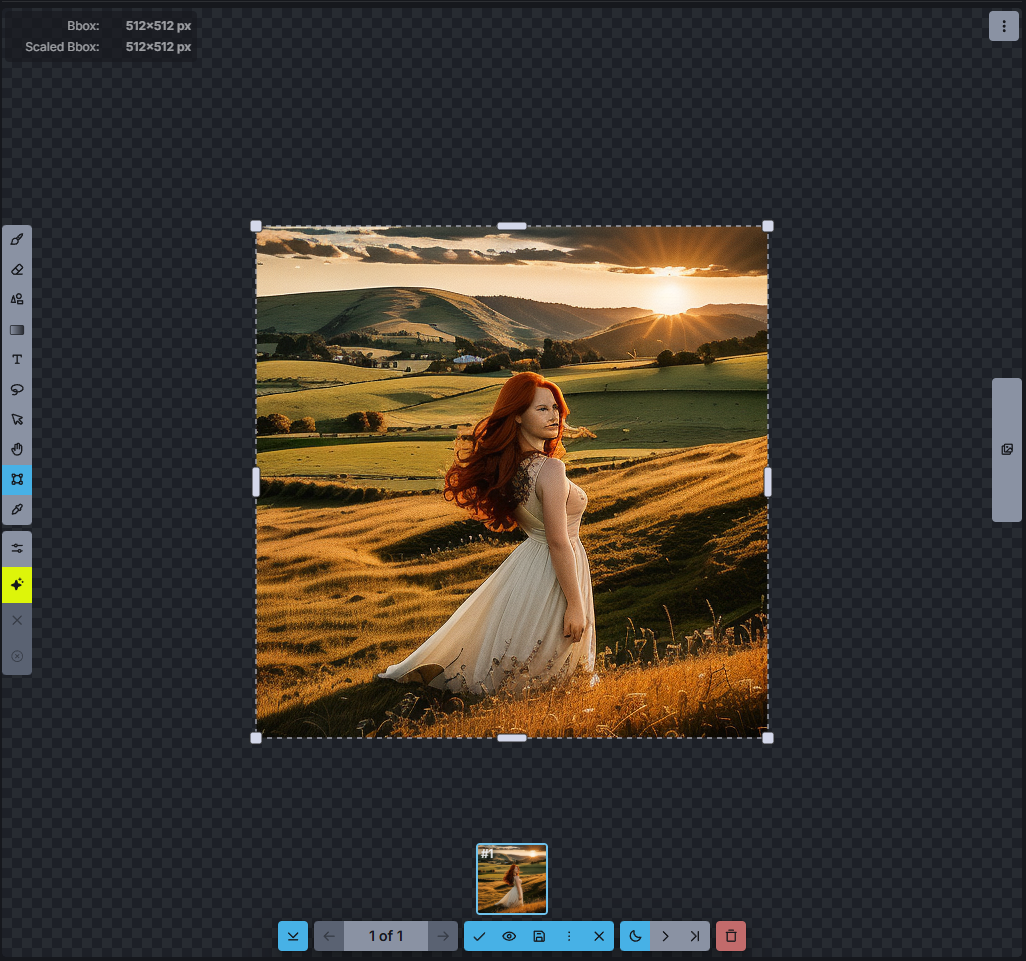
Inpainting is an amazing function to tell the AI to “pick up where it left off.” This is probably a noob description, but it basically means you can extend pictures in any direction you want.
Let’s start with a simple image…
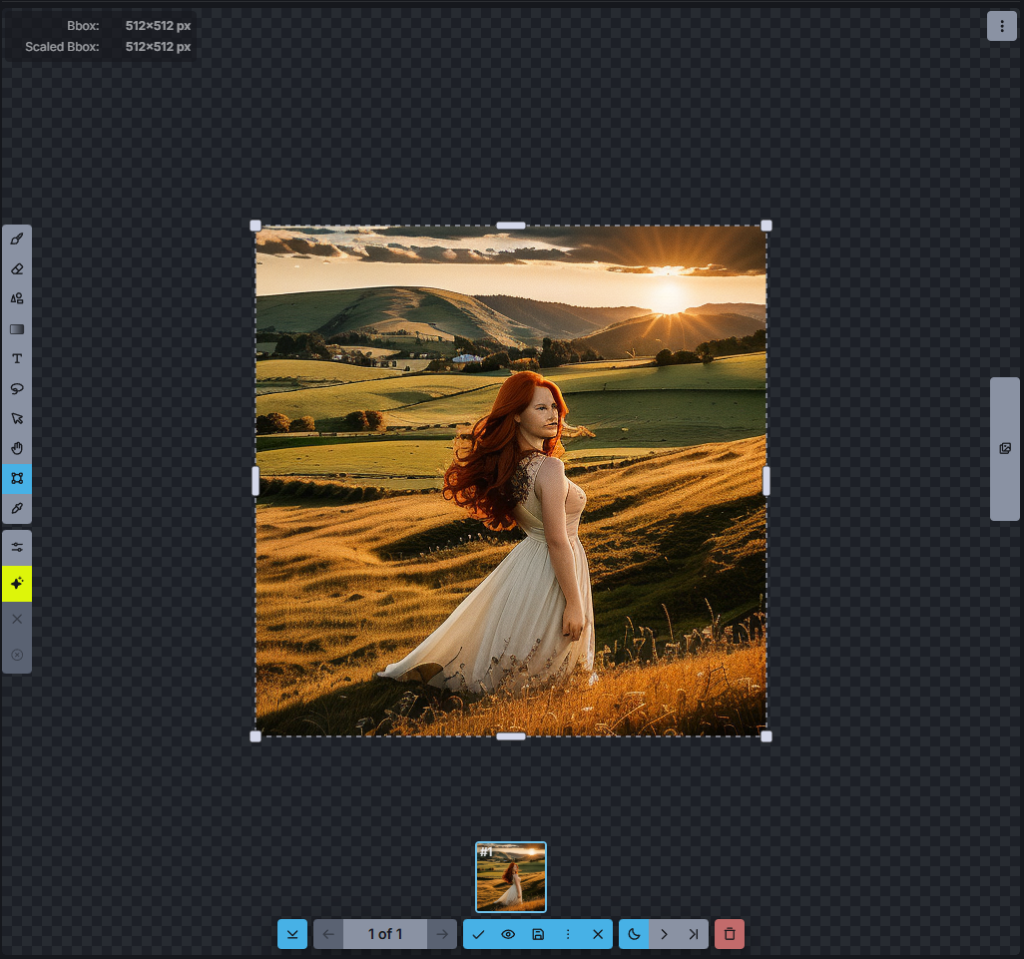
It kind of failed miserably on the face, but let’s continue like this is what I wanted. Now, my subject is dead in the middle, and the setting sun is not. I want it the other way around, having the sunset in the center and the subject at the side…
Create a Bbox around the existing image, indicating where the original image should be in the new image I want to create…
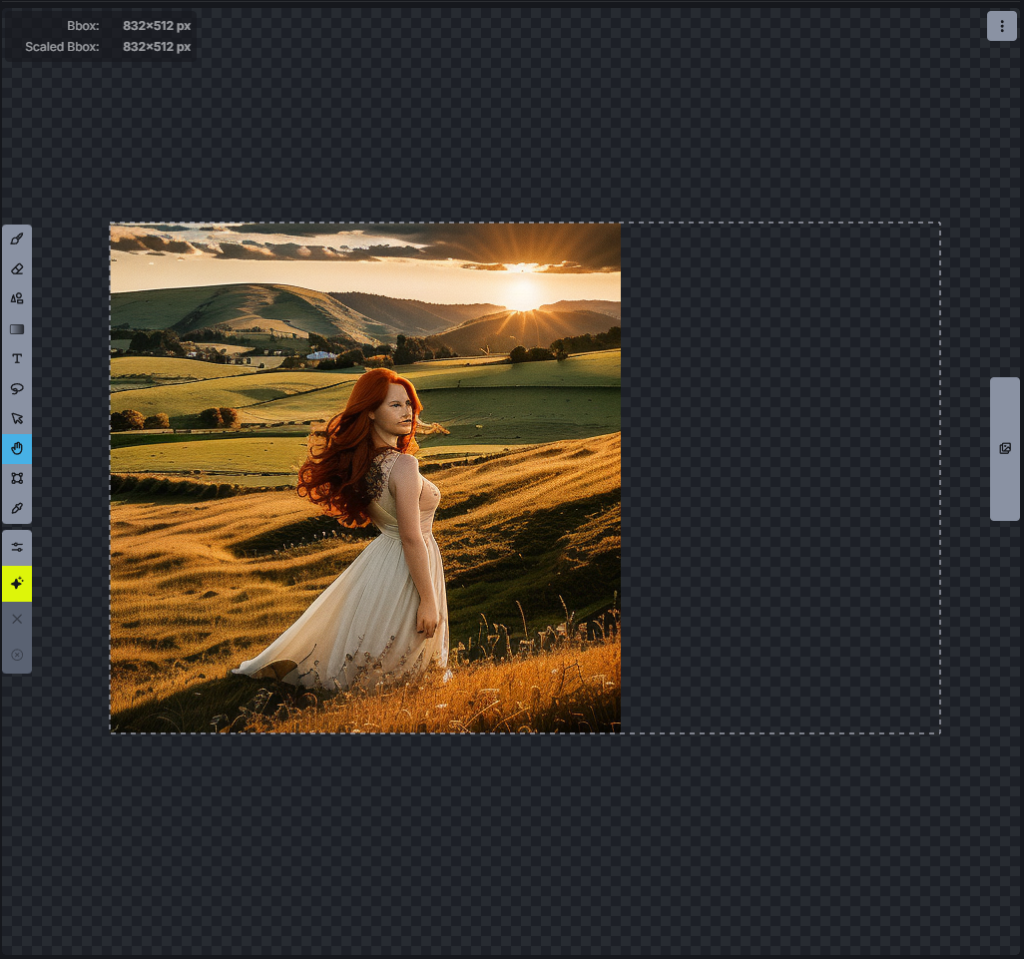
And then generate the blank part inside the Bbox…
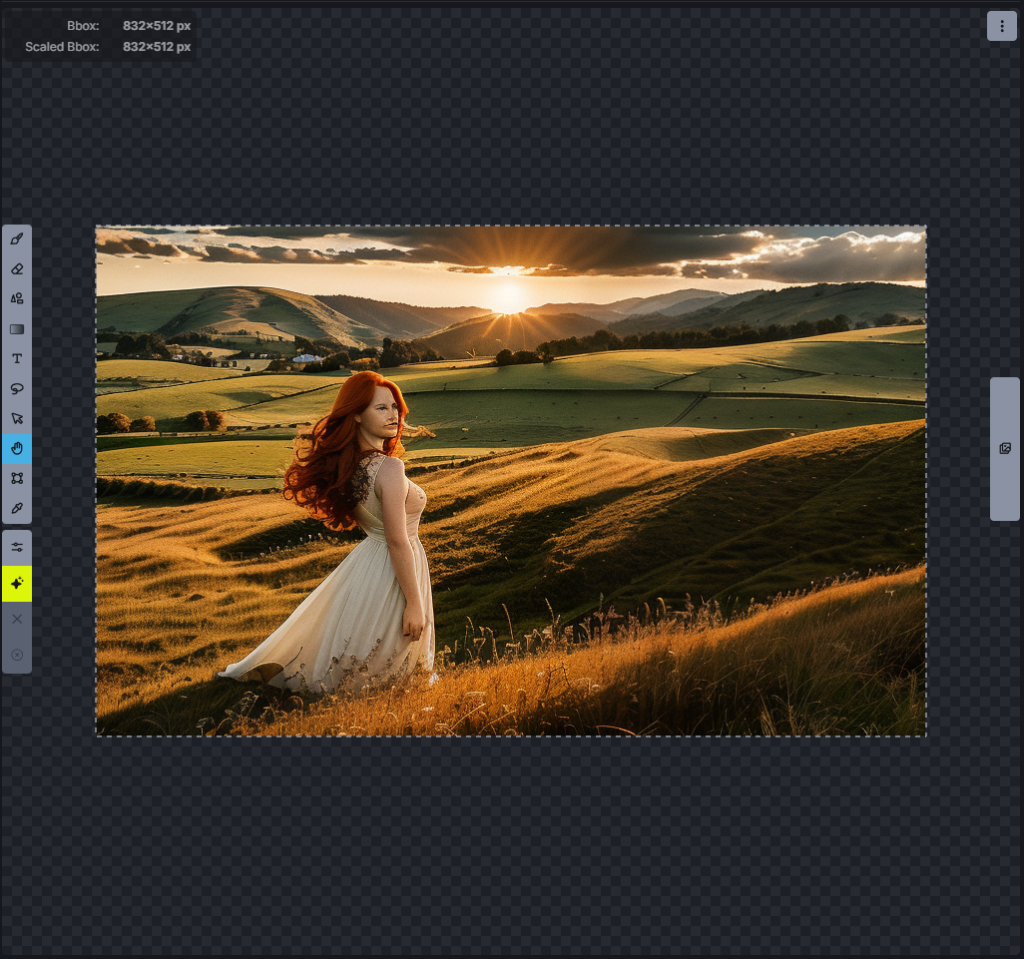
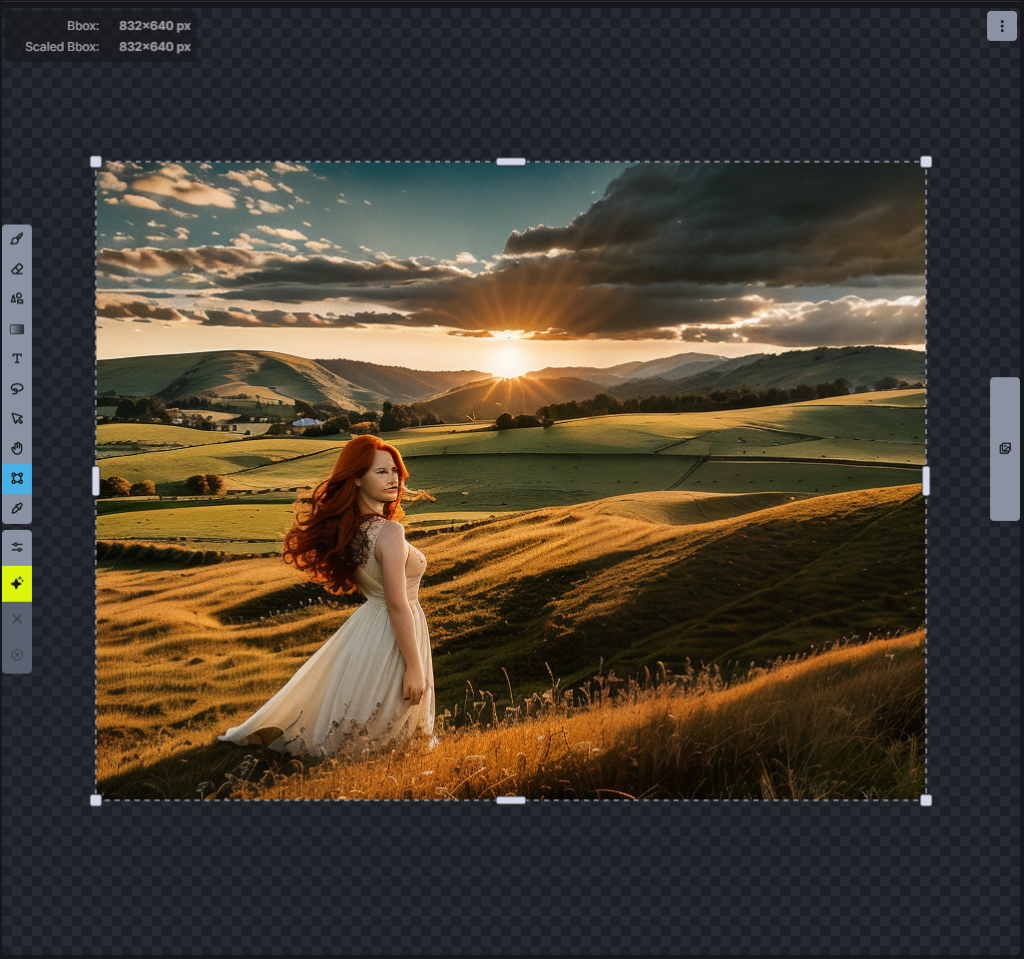
Now we have the sunset in the centre with the girl next to it. But… I don’t like how high up the horizon is in this new image. Let’s fix that in a similar way…
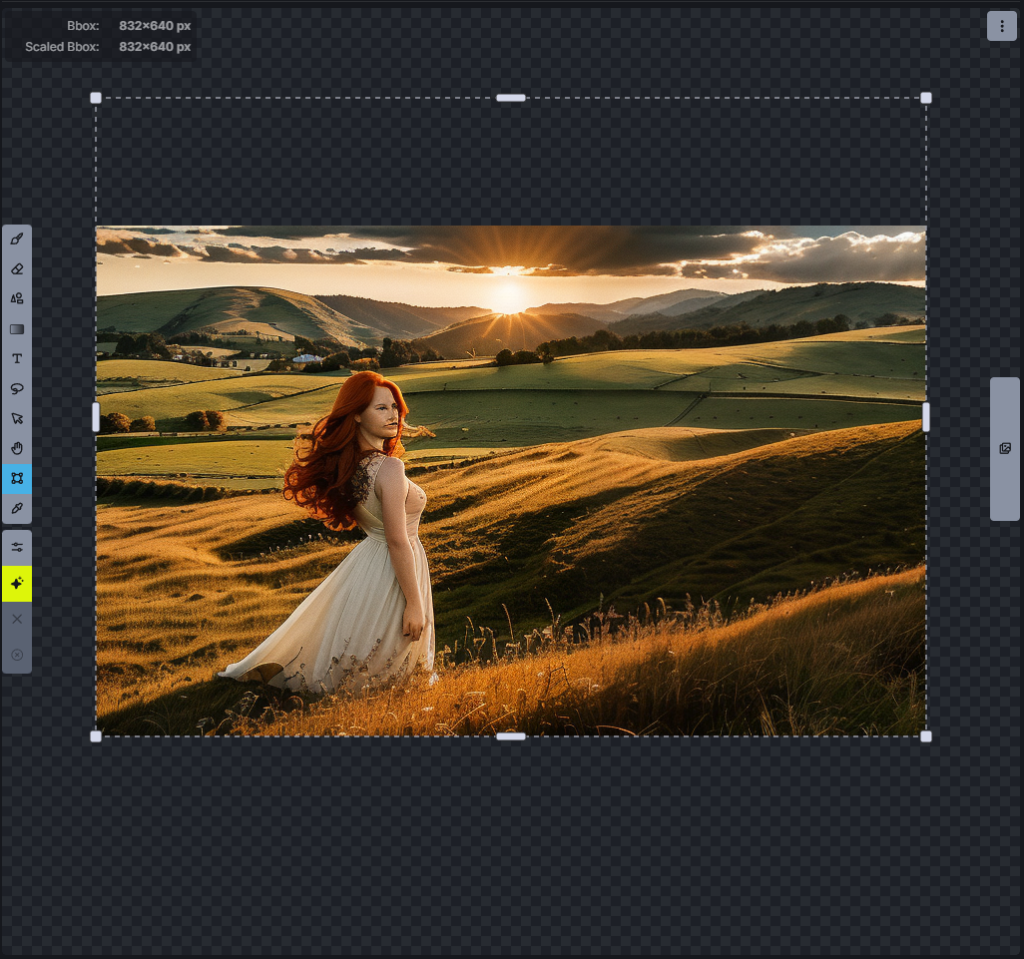
Et voila…
Leave a Reply